Privacy and E-Readers: What We Showed at Dag van de Wetenschap #DVDW2026
Privacy and E-Readers: What We Showed at Dag van de Wetenschap #DVDW2026
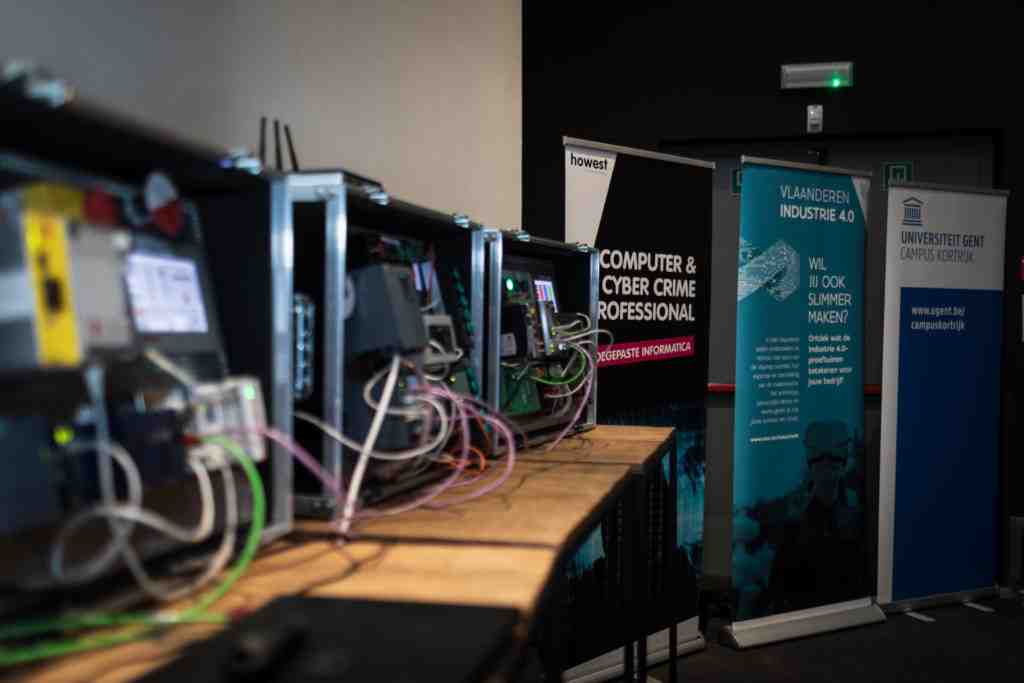
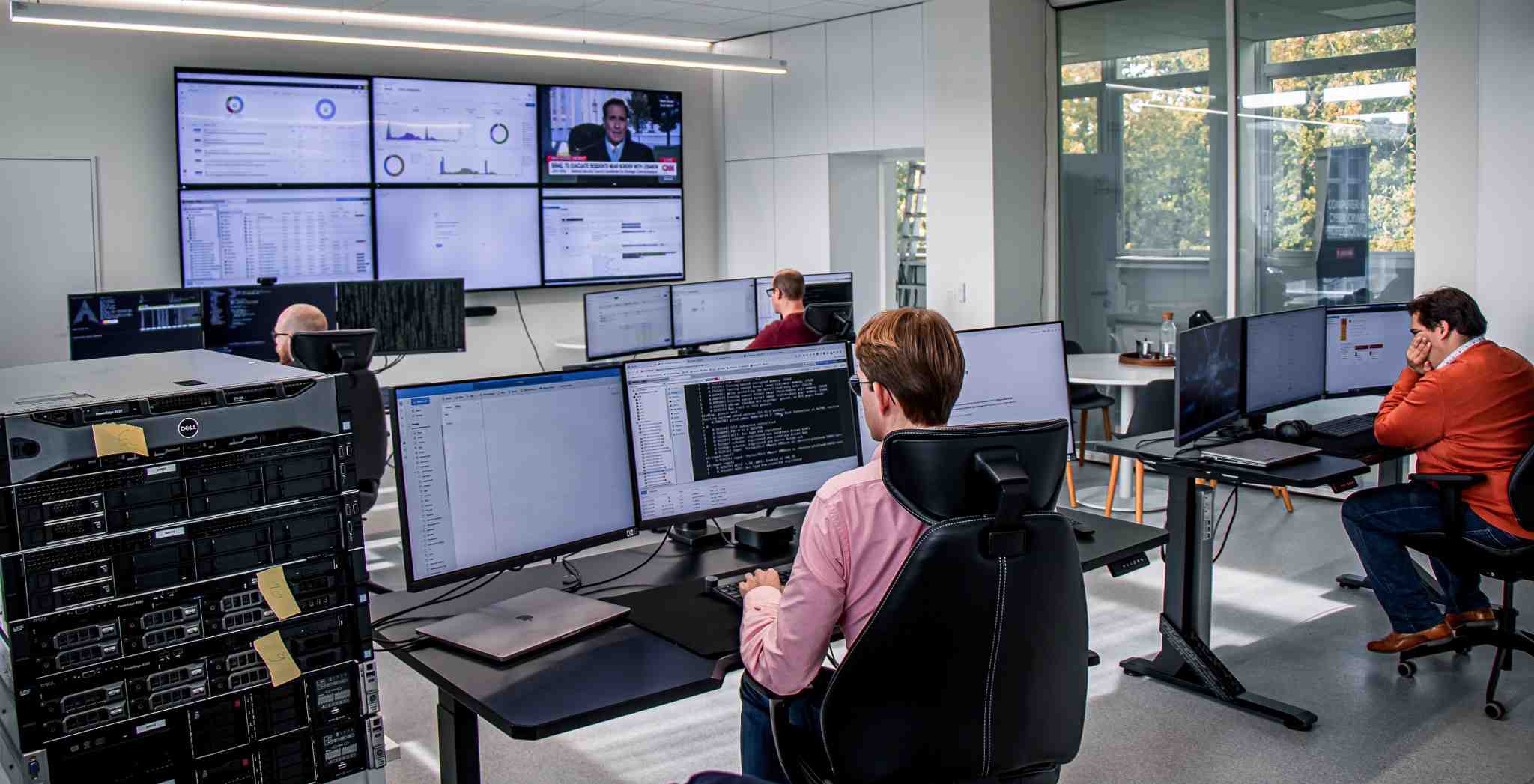
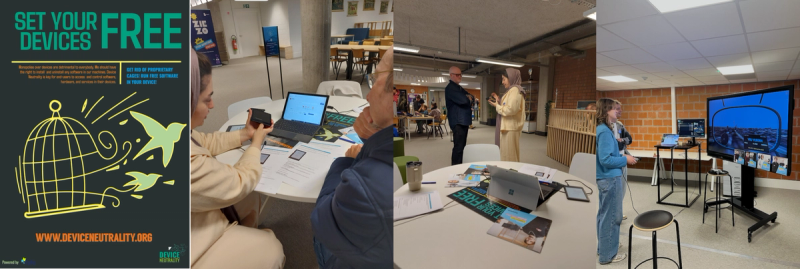
On Sunday 15 November, Howest had the pleasure of hosting a few demos at the Dag van de Wetenschap, where we showcased a selection of our latest research activities in our Applied Informatics cluster.
Visitors could explore a wide range of topics: from using computer games to assess secondary school students' mathematics skills, to discovering Bruges through a virtual drone experience, and discussing digital privacy and e-readers.
Days like these are always rewarding. Engaging with the general public helps researchers better understand the concerns, expectations, and experiences of users. It's also a great opportunity to meet colleagues from other research domains and discover the exciting work happening across different clusters.
Dag van de Wetenschap is the biggest science event in Flanders and Brussels. Every year, universities, universities of applied sciences, companies and museums open their doors for one day, so that young and old can see and try science for themselves.
Get in touch with our Cybersecurity Team!

Main section
Quick facts
/
Event: Dag van de Wetenschap, Sunday 15 November 2026, #DVDW2026
/
Topic at our stand: privacy and e-readers
/
Main advice: use your e-reader offline whenever possible
/
Hands-on: set up an older Kobo without a login
/
Newer Kobo models with USB-C: offline setup seems to work out of the box
Privacy and e-readers: go offline whenever you can
The topic discussed at our stand was privacy and e-readers.
Why privacy matters when you read
A paper book does not know who is reading it. An e-reader that is connected to an account and to Wi-Fi can know a lot more: which books you buy, how far you get in a book, how long you read and which features you use: this is all data that can be sent to the company behind the device.
What you read says a lot about you. It can show your interests, your beliefs, your worries and even your health questions.
This is not a new concern. Already in 2012, the Electronic Frontier Foundation compared the privacy policies of e-readers and e-book platforms, and concluded that reading e-books almost always means giving up more privacy than reading a paper book (source: E-Reader Privacy Chart, 2012 Edition).
Kobo itself explains in its help pages that it tracks data, activity and preferences, and that you can switch off the sharing of feature data in the settings of the device (Settings, then Energy saving and privacy).
Our main takeaway
Our main takeaway was simple: if you want to maximize your privacy, use your e-reader as an offline device whenever possible. Transfer books via USB and purchase e-books through independent web stores, or enjoy the vast collection of public-domain books available through projects such as Standard Ebooks and Project Gutenberg.
Some practical background for readers who want to try this:
- Offline means no data leaves the device. An e-reader that never connects to Wi-Fi and has no account cannot sync your reading habits. You simply connect it to your computer with a USB cable, and it shows up like a USB stick.
- Look for books without DRM. DRM (Digital Rights Management) is a lock that connects a book to an account or to specific software. Independent web stores that sell books without DRM, or with only a watermark, let you copy the file directly to your device.
- Public-domain books are free and legal. Project Gutenberg is the oldest digital library and offers tens of thousands of books whose copyright has expired. Standard Ebooks takes such books and produces carefully formatted, proofread editions, also in the Kobo format.
- A free tool like Calibre helps. It manages your e-book library on your computer and sends books to your e-reader over USB.
Hands-on: an older Kobo without a login
Through a hands-on exercise we demonstrated how older Kobo devices could be configured for offline use without requiring a mandatory login. The youngest participant to successfully complete this hack was only five years old. If she could do it, you probably can too!
Why is this a "hack"? When you start an older Kobo for the first time, the setup asks you to connect to Wi-Fi and to sign in with a Kobo account. Without that step, you cannot open the device. The Kobo community found a way around this many years ago. The device stores its settings in a small database file that you can reach when the e-reader is connected to a computer. By adding one line to this database, the device believes that a user already exists, and the setup screen disappears. No account, no Wi-Fi, no data sharing.
The exercise also teaches something bigger: a device that you own is a small computer, and with a little curiosity you can look inside and decide how it works for you.
Newer Kobo models: offline out of the box
We also had the opportunity to examine a newer generation of Kobo e-readers that one of the attendees had brought with her and generously allowed us to test! The good news is that these newer models, identifiable by their USB-C connector, appear to support offline setup right out of the box, without requiring an account login.
This fits with what Kobo changed in its software. In early 2022, a firmware update (version 4.31.19086) quietly introduced a "Sideloaded Mode". This mode lets you use the e-reader without signing in to a Kobo account. Sideloading simply means: putting books on the device yourself, via USB, instead of downloading them from the store. In this mode there is no home screen with store recommendations. The device opens directly on your own list of books. One thing to know: borrowing library books directly on the device runs through the Kobo store, so that feature needs an account.
Bottom section
Why openness matters: stay in control of the devices you own
A final note on the technical side: the research we conducted on Kobo e-readers was only possible because parts of the platform remain open and accessible to developers. That openness enabled a vibrant open-source community to emerge around these devices, creating the tools (e.g. NickelMenu, to name one) and knowledge that make independent research and user empowerment possible.
NickelMenu is a good example of what such a community can build. "Nickel" is the name of Kobo's own reading software, and NickelMenu adds your own menu items to it. With these, you can switch settings, control Wi-Fi or start other software. It is installed by copying one file to the device over USB, it stays in place after firmware updates, and it has a failsafe that removes it again if something goes wrong. Other community projects go further, such as KOReader, a complete alternative reading application.
When users can choose how they use their devices, install alternative software, modify functionality, and access their own data, technology becomes more transparent, trustworthy, and sustainable. The Device Neutrality poster from FSFE displayed at our stand is a reminder that people should remain in control of the devices they own, not the other way around.
Device Neutrality is a policy concept from the Free Software Foundation Europe (FSFE). It rests on three ideas:
- Software freedom: you can install, run and remove any software on your device.
- No lock-in: devices support open standards and are not tied to one app store or to a mandatory online account.
- Control over your data: you can move your personal data easily between apps, systems and devices.
What does European law say?
Some of these ideas are now part of European law. You may think of the Digital Markets Act (DMA) first, but that law only covers the largest “gatekeeper” platforms, such as Apple, Google and Amazon. Kobo (Rakuten) is not one of them. Three other EU laws matter more for your e-reader:
- GDPR (Article 15): you have the right to ask any company for a copy of the personal data it holds about you. Want to know what Kobo knows about your reading habits? Send them a data access request and see for yourself.
- EU Data Act (applies since September 2025): users of connected products have the right to access the data their device generates. An e-reader with Wi-Fi is such a connected product.
- Cyber Resilience Act (CRA): sets security rules for products with digital elements (PDEs), such as security updates and secure default settings. Reporting obligations already apply since September 2026, and the full rules apply from December 2027. This is also a core topic of our work at Cyber3Lab.
An e-reader that works without an account, accepts books in an open format like EPUB, and lets you install extra software is a small but very practical example of these ideas: you stay in control of your device and your data.
What’s next?
This stand was only a first step. We see three questions that we would like to explore further:
- How open are the newest Kobo models? We were happy to see that recent Kobo models can be set up without an account. But we have not yet checked whether they are as open to developers as older models. For example, the NickelMenu website notes that the tool does not yet support the newest firmware.
- What happens when you use your rights? The GDPR and the Data Act give you the right to see the data your device collects. We would like to test this in practice: what does Kobo send back when you ask for your data, and how easy is it to understand?
- Are e-readers ready for the Cyber Resilience Act? From December 2027, connected devices sold in the EU must meet clear security rules. An e-reader is a good, everyday example to show what this law means for the devices in your home.
At Howest University of Applied Sciences, we teach and research both the technical side of cybersecurity and the rules that govern it. Small devices like e-readers help us explain big topics like data rights and product security in a way everyone can understand. Have you tried any of this yourself? We would love to hear about your experience.
Do not hesitate to contact our security and privacy teachers and researchers if you want to discuss this topic!
Useful links
- Standard Ebooks: free, carefully produced editions of public-domain books
- Project Gutenberg: the oldest digital library of free e-books
- MobileRead Kobo Developer's Corner: the community forum for Kobo tools and knowledge
- NickelMenu: add custom menu items to the Kobo software
- How to use Kobo's Sideloaded Mode (The eBook Reader blog)
- Basic Hacks for Kobo E-Readers (Linux Magazine)
- FSFE on Device Neutrality: the concept and its three components
- Kobo: how to turn off data sharing in your privacy settings
Contributors
Authors
/
Shirin Kalantari, Cybersecurity Teacher and Researcher
/
Patrick Van Renterghem, Community Builder @Cyber3Lab (AI + CyberSecurity + Web3 + Immersive Tech)
Want to know more about our team?
Visit the team page
Last updated on: 11/18/2026
/